
Email and password, then MFA
- Enter your login email and password, then select Sign in.
- If MFA is on, select Use a passkey or security key and follow your browser's prompt. Or enter the 6-digit code from your authenticator app and select Verify.
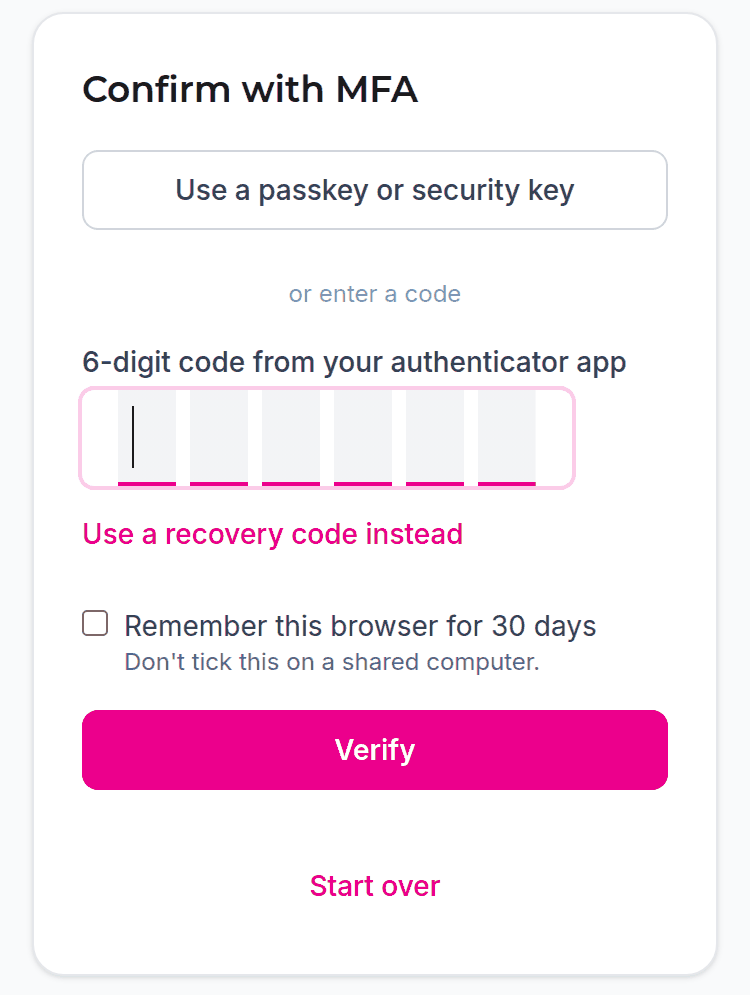
Lost your phone? Use a recovery code.
Signed in a moment ago? See why you were asked to sign in again.
Remember this browser
On the code step, tick Remember this browser for 30 days to skip the code in this browser for 30 days. It still asks for your password. Don't tick it on a shared computer.
To undo it, forget the browser.
Invalid email or password
Check you're using your login email, not another address. After many wrong passwords, sign-in stops working for a while, even with the right one. Reset your password to get back in straight away.